Making Low End Translate with Harmonic Enhancement
A bass line can feel enormous on studio monitors and almost disappear on a laptop. Learn how focused harmonics can give bass, drums, and sound designs more audible body, weight, and character.

You've finished your mix. Everything sounds great. The low end is huge, the bass is grooving. Then you check it on your laptop or phone and... what a disappointment.
Small speakers aren't built to reproduce low frequencies. Phones, in particular, are designed primarily to make speech intelligible. Some even boost certain frequencies in the upper mids to help voices cut through.
But are we really going to let our low end disappear, or can we do something about it?

Why More Bass Is Not Always Enough
Boosting the low frequencies might be exactly what your mix needs. But here's the problem. Small speakers have physical limits. You can keep turning up the bass, but you're mostly just eating up headroom.
So, what else can we do? Well, there's a little trick called harmonics.
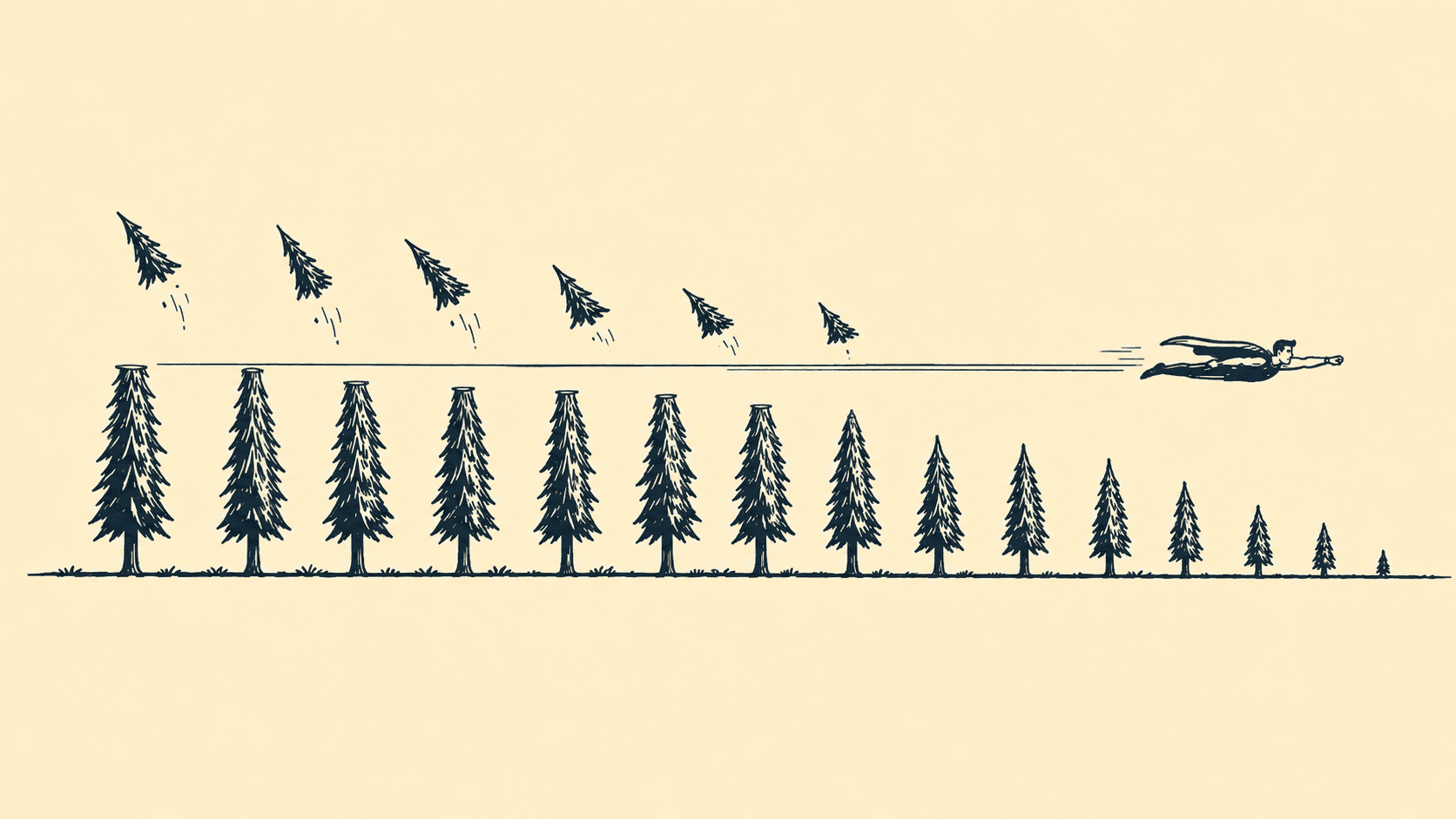
A bass note at 50 Hz doesn't necessarily contain just 50 Hz. It can also have harmonics at 100 Hz, 150 Hz, 200 Hz, and above. And here's the interesting part: even when you can't hear that 50 Hz fundamental, those higher harmonics can still give your brain enough information to recognise the note.
This is where psychoacoustics comes into play. There's actually a phenomenon called the "missing fundamental", where our brain perceives a pitch even when its fundamental frequency isn't physically present in the sound.
And that's exactly what we're after. Not necessarily more bass, but bass that actually translates.
Choosing What Feeds the Harmonics
Saturation is a great way to generate those extra harmonics. But here's the catch: what you feed into it matters.
On a bass guitar, you might end up with more string noise. On drums, your cymbals might get harsh. And on an impact, that initial crack might become even more aggressive.
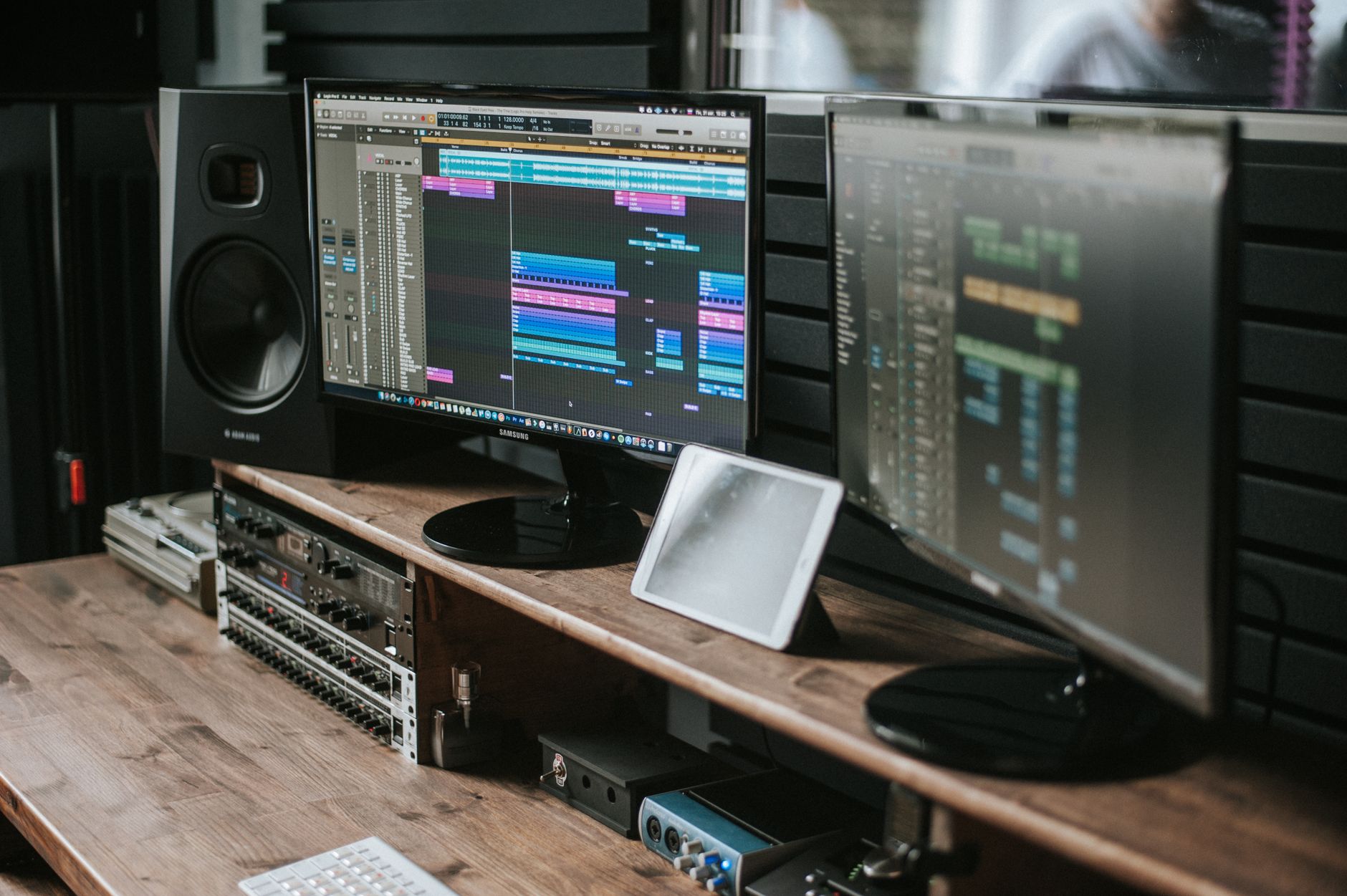
Even when I use saturation directly on an instrument or sound effect channel, I often filter the signal first and apply saturation to a specific freq. range.
But what if we could focus on just the low frequencies and generate harmonics from those?
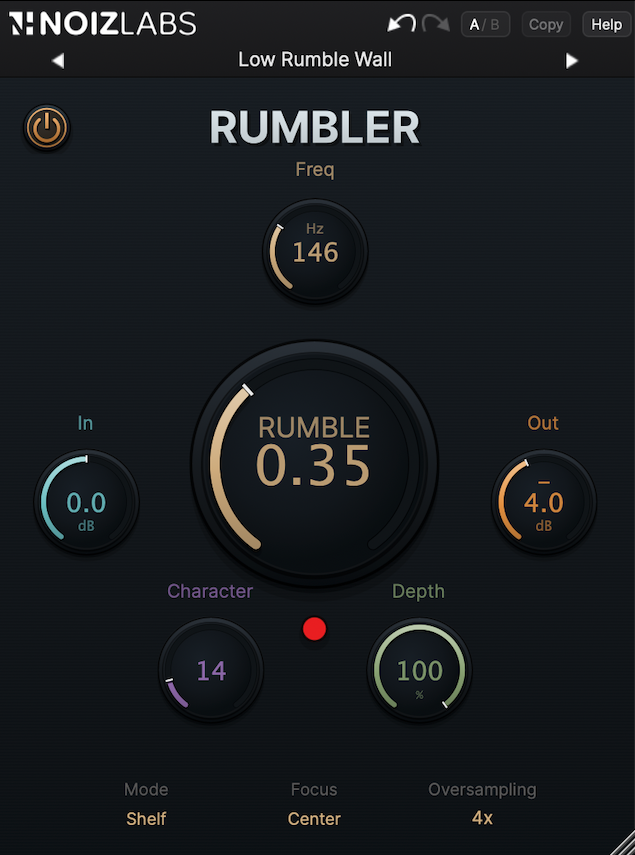
The controls are pretty straightforward. Freq selects the area you want to work with. Rumble controls the amount of enhancement. Character shapes the saturation color, moving from smoother Deep setting toward the more pronounced Growl.
So instead of boosting everything or saturating the entire signal, you can focus on what actually needs more presence.
Giving Kick and Bass Their Own Space
Let's start with the kick. Switch to Tight mode and find the frequency where the body of your kick feels strongest. Then slowly bring up Rumble while listening to the whole mix, not just the kick in solo.
Tight focuses the harmonic enhancement around the selected frequency. It's a good place to start when you want your kick to stand out without fighting too much with the bass.
Now let's move on to the bass guitar. This time, try Fat. It generates harmonics over a wider range, giving your bass a fuller sound. You can also push Character toward Growl if you need more grit to help the bass cut through the mix.
Here's something I'd do to give the kick and bass a little more room to breathe. After Rumbler, I'd insert an EQ on the bass channel and make a small cut around the frequency I focused on earlier with the kick. Nothing drastic, just enough to make some space for the kick without losing the body of the bass.
Shelf works a little differently. Instead of focusing on a particular frequency, it uses the low-frequency content below the point you set with Freq to generate harmonics. This can come in handy when your bass line moves across different notes and you want to enhance more of its low end.
And don't forget to check how your kick and bass work together. The goal isn't to make everything sound huge. You want to hear the groove and follow the bass line without turning your low end into a muddy mess. If things start getting too thick, back off Rumble or try a different frequency range.
Building Scale in Sound Design
The same approach works great in game sound design, especially when you want to make something sound bigger or heavier than it actually is.
This is where some extra harmonics can really help. I'd start by finding the frequency range that gives the gunshot its body. Tight can help bring out a particular resonance, while Fat is useful when you want a broader harmonic presence. Shelf lets you work with a larger part of the low end.
Then it's really about how far you want to push it.
Keeping Character near Deep gives you the basic Rumble enhancement without the extra Growl coloration. Push it toward Growl and you'll introduce more pronounced overtones, which can give your gunshots a rougher, more aggressive character.
And don't forget about Depth. It lets you blend the processed sound with the original, so you can add some extra body without losing the sharp attack and details that make the gunshot sound convincing.
One thing worth remembering: Rumbler works with what's already in your recording. If there's barely any useful low-frequency content to begin with, you might still need to layer in another recording or design a separate low-end element to get the weight you're after.
Placing the Added Layer
There's one more thing to consider: stereo.
Rumbler's Focus control lets you decide how the generated harmonics behave in the stereo field.
With Center, even if your source is stereo, Rumbler takes its low-frequency content, sums it to mono, and generates the harmonics right in the center. This is usually a good starting point for kicks and basses, where you often want a solid, focused low end.
Spread, on the other hand, preserves the stereo information of the source when generating harmonics. This can come in handy for wide synths, ambiences, or more complex sound effects where you want to keep that sense of width.
Judging the Result at the Same Level
Once you're happy with the sound, use Out to match the level of the original signal. Then listen to everything in context. And since this is where we started, don't forget to check your mix on smaller speakers and in mono.
Can you hear the bass line more clearly? Does the kick still have its punch? Do your sound effects feel bigger and heavier without getting in the way of everything else?
At the end of the day, it's not about adding as much bass as possible. It's about making sure the low end does its job, whether you're mixing music or designing sounds for a game.